Producing Open Source Software
Why this book
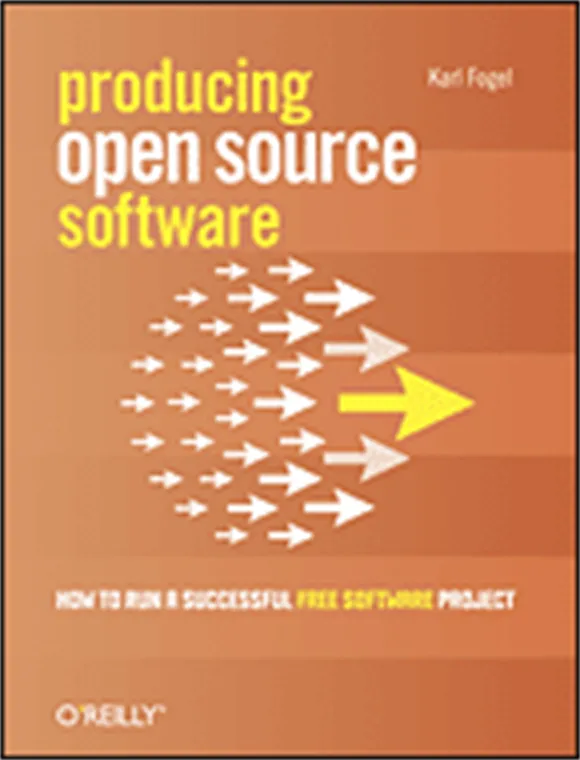
Karl Fogel has been writing Producing Open Source Software since 2005. The second edition shipped in 2023 and gets minor revisions still. It’s the working manual for the technical infrastructure layer, the social and political layer, the legal frame, and the day-to-day practice of leading volunteer contributors.
His argument is plain: most open-source projects fail not because of the code but because of the human systems around the code. Communications, response-time culture, project identity, contributor onboarding, license compatibility, governance design — Fogel walks each layer with concrete advice grounded in his years on Subversion.
The book is more checklist-shaped than catalog-shaped: a maintainer reads it cover-to-cover, then refers back to specific chapters when their project is stuck on a specific layer. So we built it as an Agent Skill — invoked by a slash command — that audits a project against Fogel’s framework and produces a structured scorecard.
What we built
claude-audit-oss — a Claude Code skill, invoked via /audit-oss <project>. It reads the project’s repo (README, CONTRIBUTING, LICENSE, CI configs, package metadata, issue templates, recent commit history, branch protection) and audits it against Fogel’s framework. An optional --focus <category> flag scopes the audit to one of the ten categories below.
The output is a scorecard. Each item is marked [x] (present), [~] (partial), [ ] (missing), or [n/a] (not applicable), with a brief note on what was found. A Top Priorities section at the bottom names the most impactful missing items first.
What’s in the catalog
The skill audits ten categories that trace the structure of Fogel’s chapters:
- Project Identity & Presentation (
identity) — name, mission statement, README, demos, “starting from what you have.” - Documentation (
docs) — user-facing docs, developer docs, examples, availability. - Contributor Experience (
contributor) — how-to-report-a-bug page, response-time culture, “treat every user as a potential participant.” - Technical Infrastructure (
infra) — version control, bug tracker, communication channels, hosting. - Versioning & Releases (
releases) — release numbering, semver, branches, stabilization, release manager. - Licensing & Legal (
legal) — license choice, application, contributor agreements (CLA vs DCO). - Governance & Decision-Making (
governance) — benevolent dictator vs consensus democracy, voting, vetoes, written rules, committers. - Communication & Community (
communication) — written culture, tone, handling difficult people, growth, publicity. - Automation & Maintenance (
automation) — automated testing, CI, the automation ratio. - Project Health Signals (
health) — activity, contributor diversity, transitions, forks.
What you can ask
The skill is invoked as a slash command. Some real shapes:
Full audit. /audit-oss harmonica-web-app — reads the repo, scores all ten categories, outputs the scorecard with Top Priorities at the bottom.
Scoped audit. /audit-oss harmonica-web-app --focus contributor — audits only Contributor Experience. Useful when you know a specific layer is the problem and don’t want noise from the rest.
Pre-launch readiness check. /audit-oss my-new-project --focus identity — checks that name, mission statement, README, and starting-points are in place before you announce.
License
Source code: MIT. The book itself: CC BY-SA 4.0 (Karl Fogel). Read it free at producingoss.com, or order the paperback from O’Reilly (1st ed. 2005).
Related
- Governable Spaces — Schneider’s framing of democratic design overlaps with Fogel’s chapter on governance (BDFL vs consensus democracy). The two read as companion volumes for an open-source maintainer thinking through governance transitions.
Agent skill
claude-audit-oss
Install
This artifact ships as an Agent Skill — a directory of files loaded into the agent's context. Installation patterns vary by client; see the repo's README for current instructions.
Open the repository →